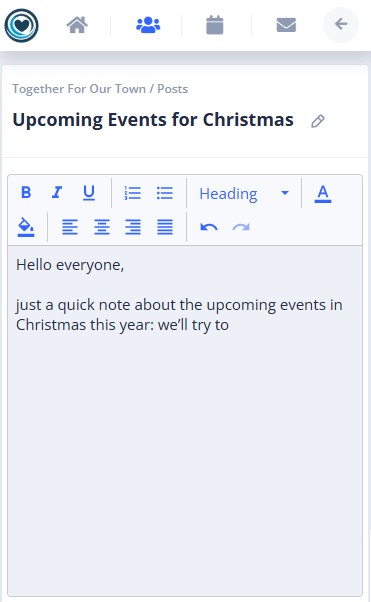
VolunTie helps your organization share information, data and updates easily. Contributors and Administrators can create Posts or Pages:
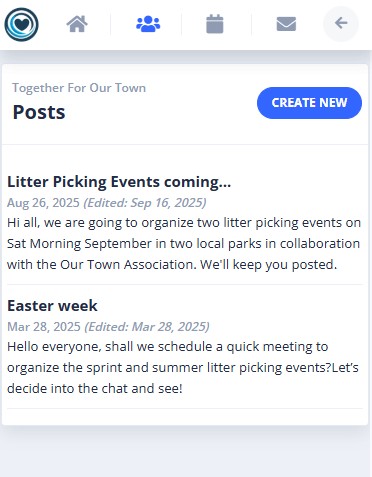
Posts
Quick updates, news, or announcements for all members. They are usually short messages to share a news or an update.
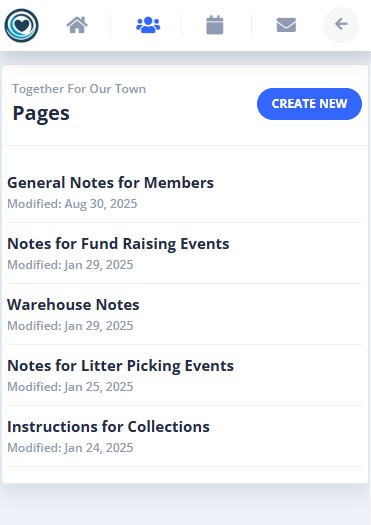
Pages
A structured document for detailed information, such as Organization Rules, Onboarding instructions for new members, Guidelines for Events, Rules for Money handling etc.
How to Create a Post or Page
Follow these simple steps:
- From your dashboard, go to Posts or Pages.
- Select New Post or New Page.
- Add a Title: Use a clear, descriptive title.
- Write Your Content: Use formatting tools, Headings for sections, Colors & fonts for emphasis.
- Click Save to Publish.
- Members will automatically receive a notification (mobile notification or e-mail) when your post or page is published—no extra steps needed to let them know